





Download Monthly reports

Each month, your full financial report is available in the Admin App (new from 2026). Make it a habit to review, download, and save it for your bookkeeping.

What's in this article?

How to download your Monthly report

Each month you will find the full Monthly financial report on the admin page (new from 2026!). Please set a reminder to go trough it, download it and book keep it monthly. 

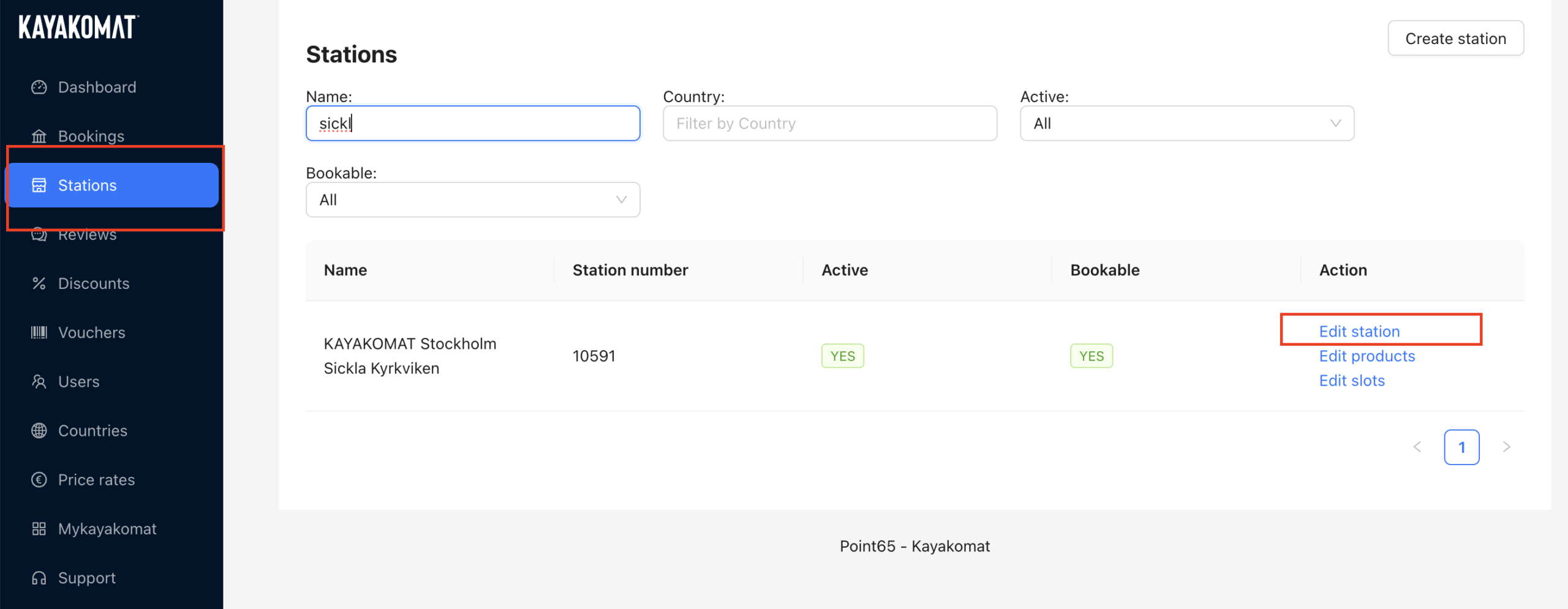
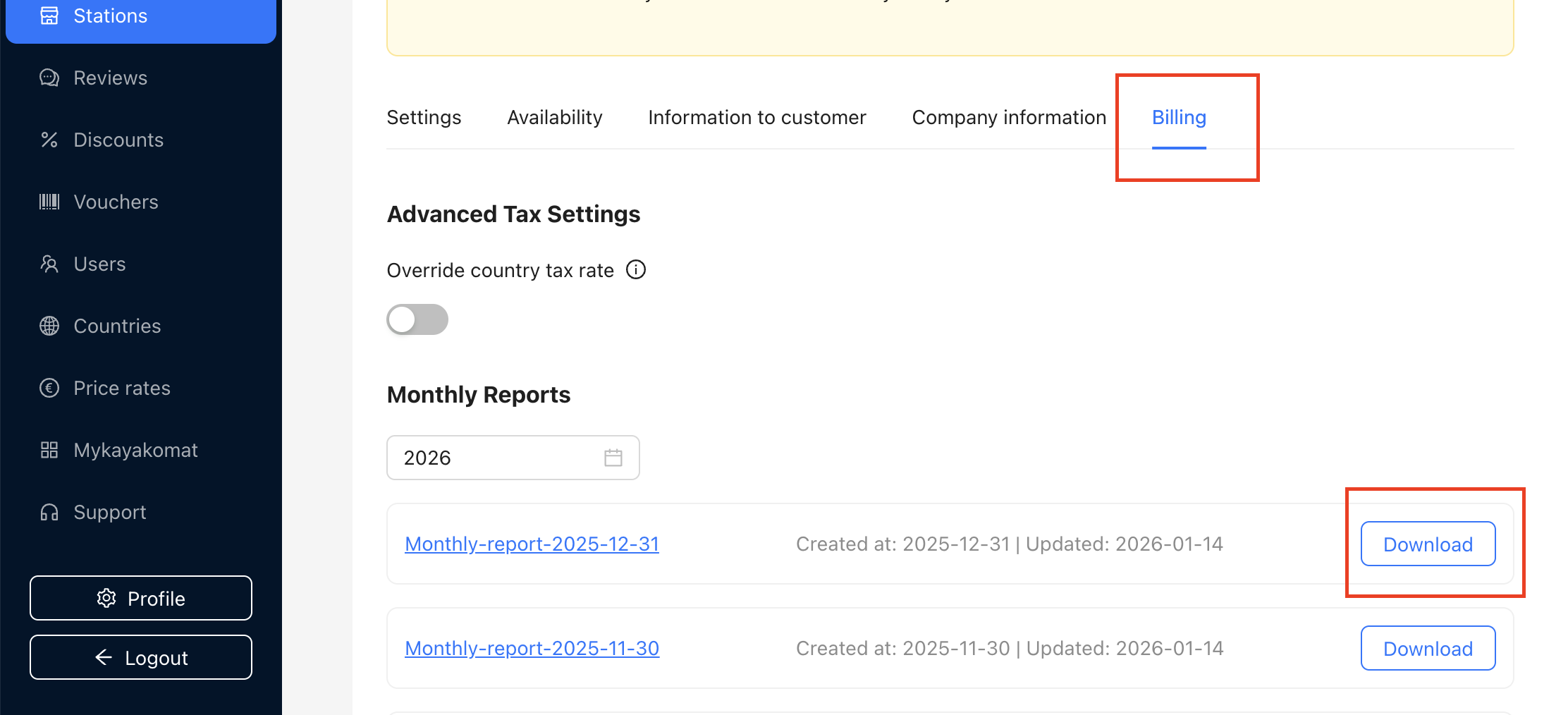
You can find all reports and cost specifications in the Admin App under:
Stations → Edit station → Billing tab

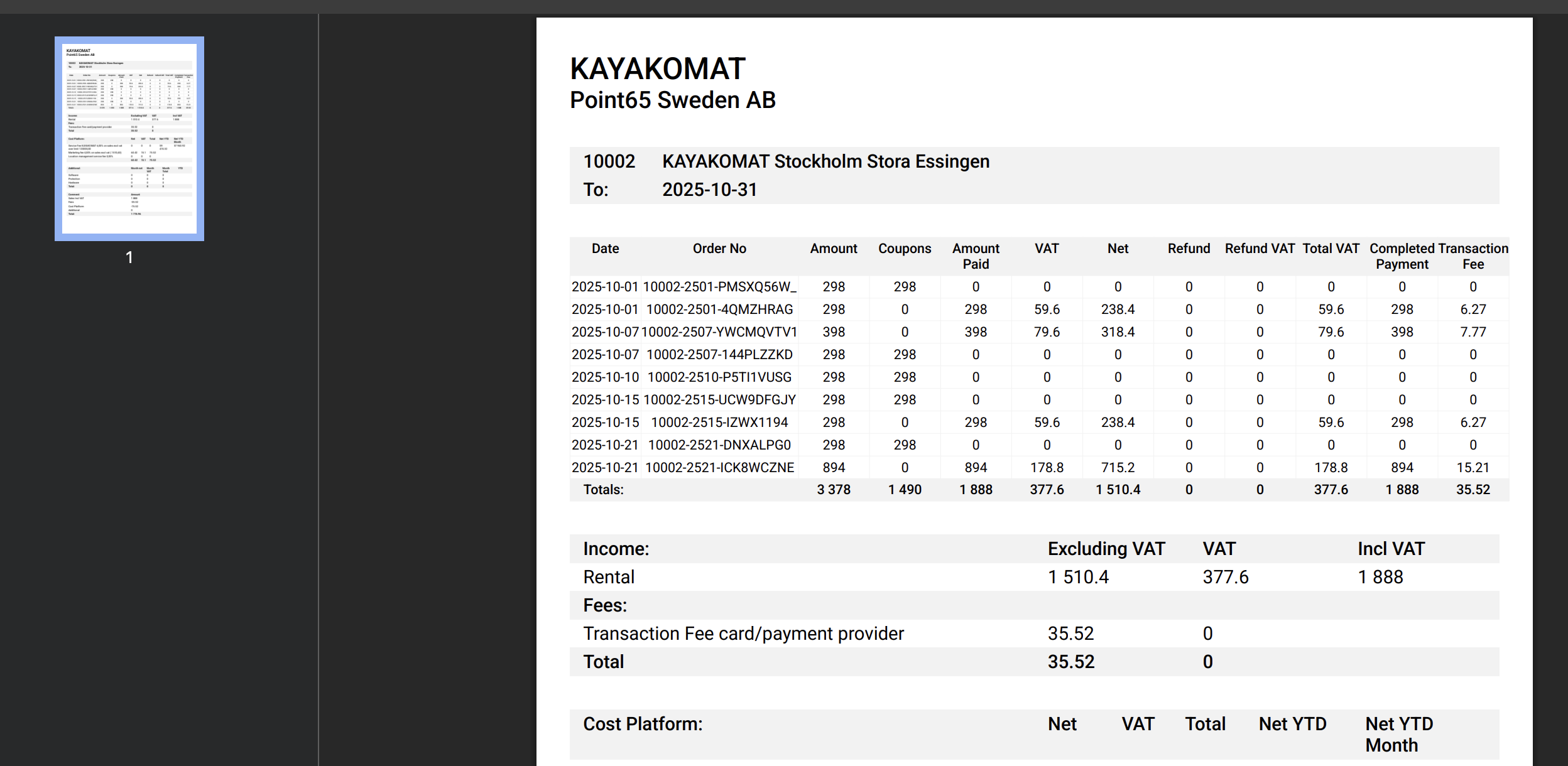
See images and example of a report below. 

Reports are usually published in the Admin App in the middle of the following month.
Payouts are made at the end of the following month, meaning revenue from May is paid out at the end of June.

Keep reading: