





Update lock-ID
When you have received a new lock, it is really important to update the lock-ID in order for codes to work. If you do not update this, codes will be sent to the old lock.
How to update lock-ID
- Log in to Igloo and click on your new lock.
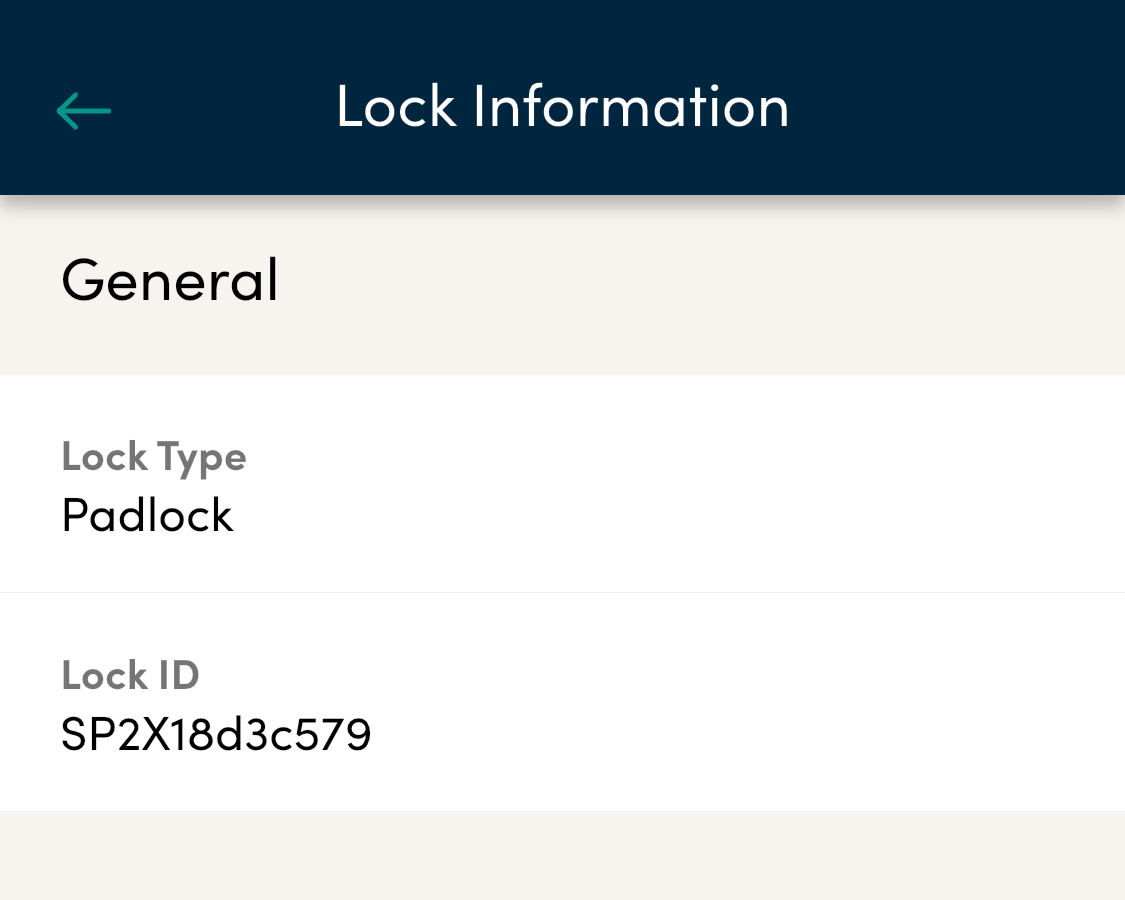
- Click on “Lock information” and copy the bluetooth-ID.
- Log in to your Admin page.
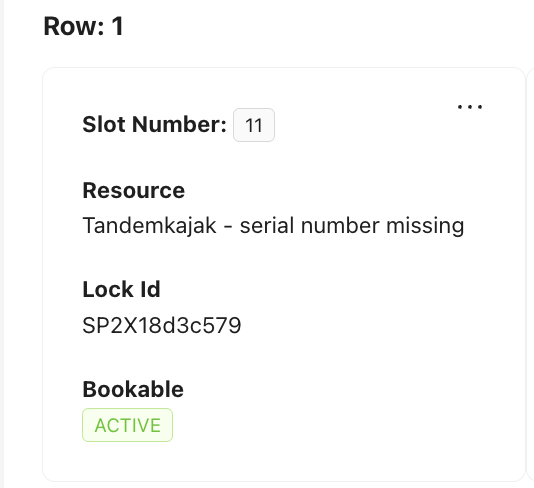
- Go to Stations –> Edit products and click on “Edit slots” in the top right corner.
- Paste in the Lock-ID from Igloo under the row “Lock-ID” in Admin.
- Save.
- Make a test booking on the slot make sure the code is generated correctly and the new lock is working.
See pictures below of what it looks like.
